




OPSCREEN Interactive Displays in Mexico

Transform Your Ideas into Interactive Experiences

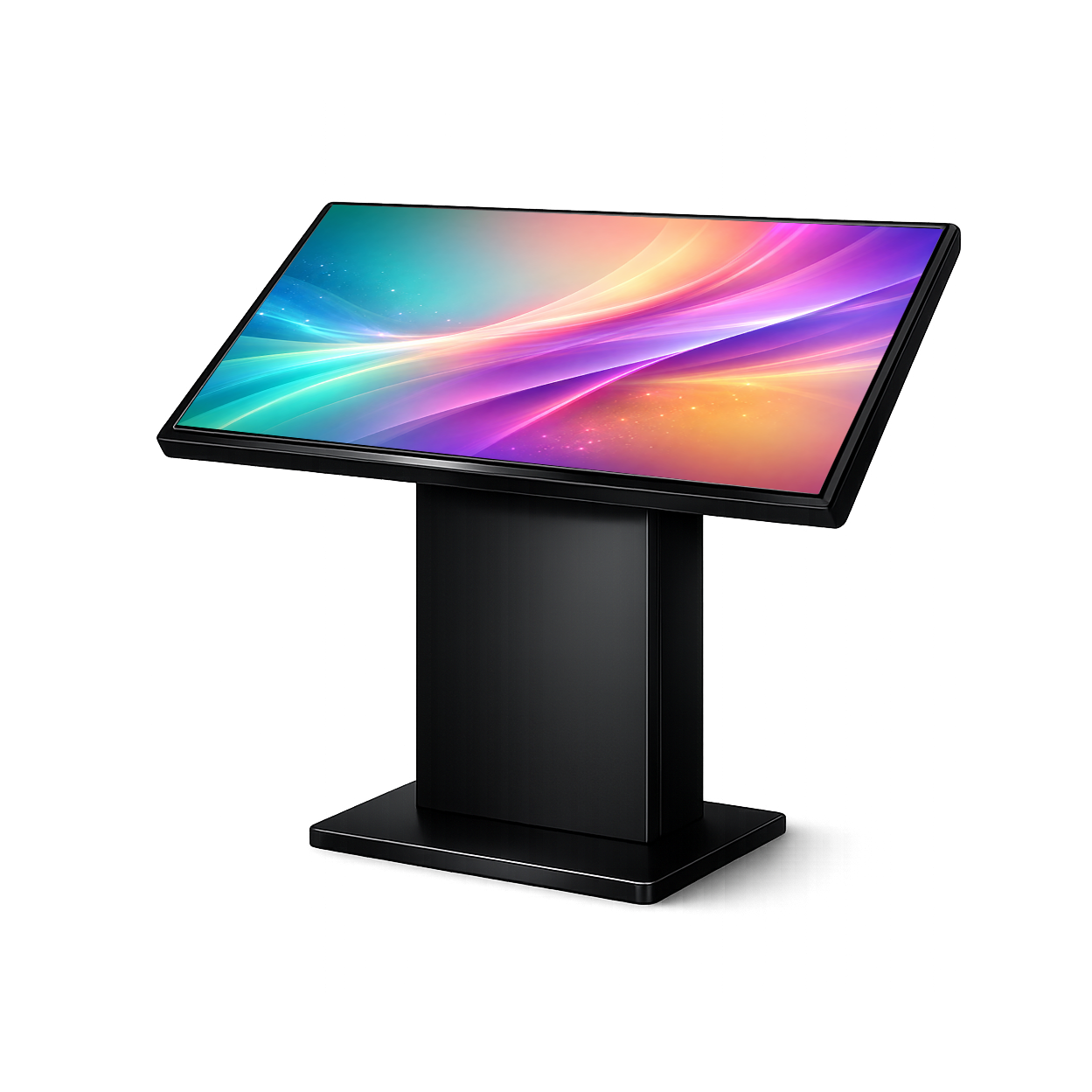
Interactive Displays

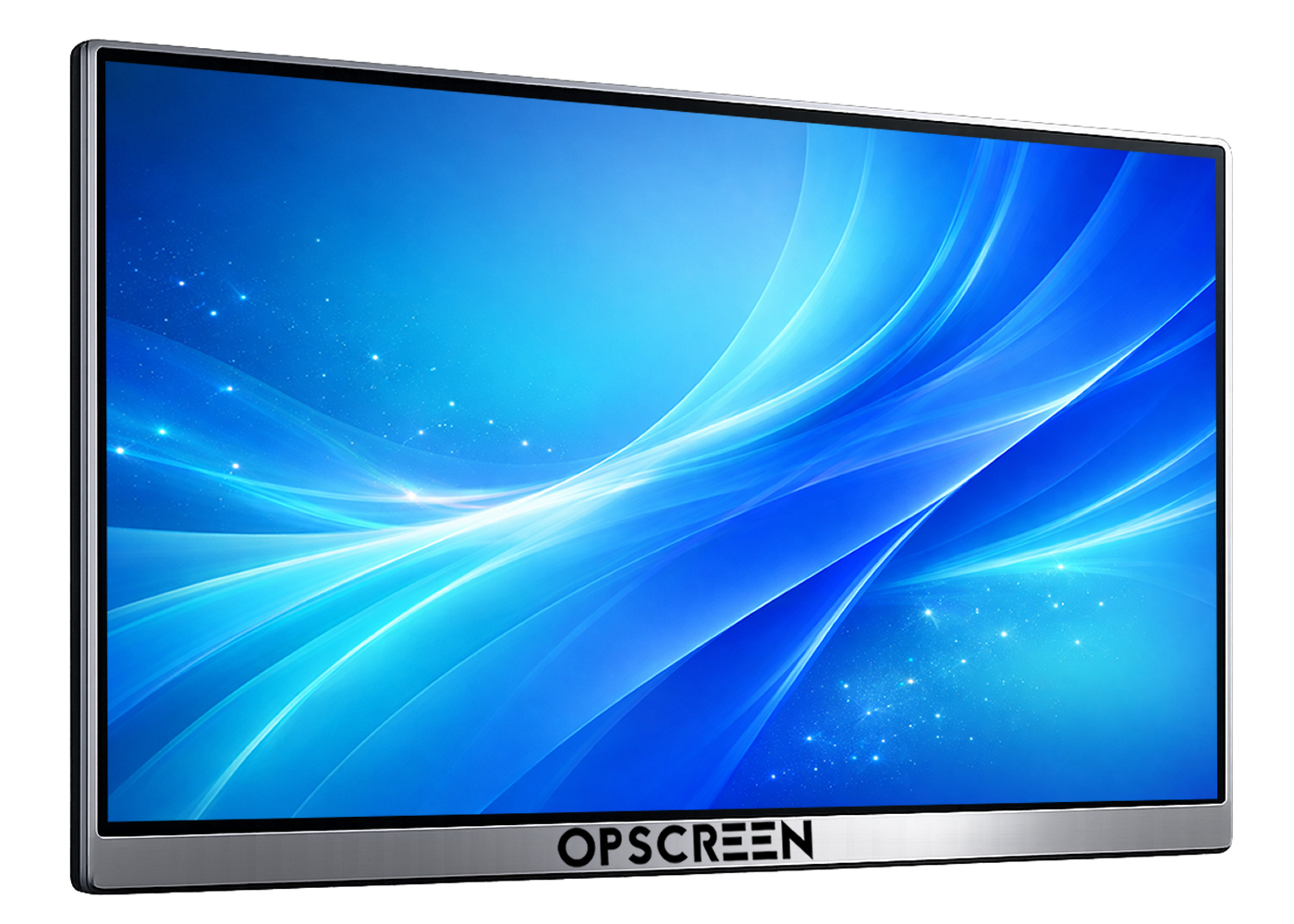
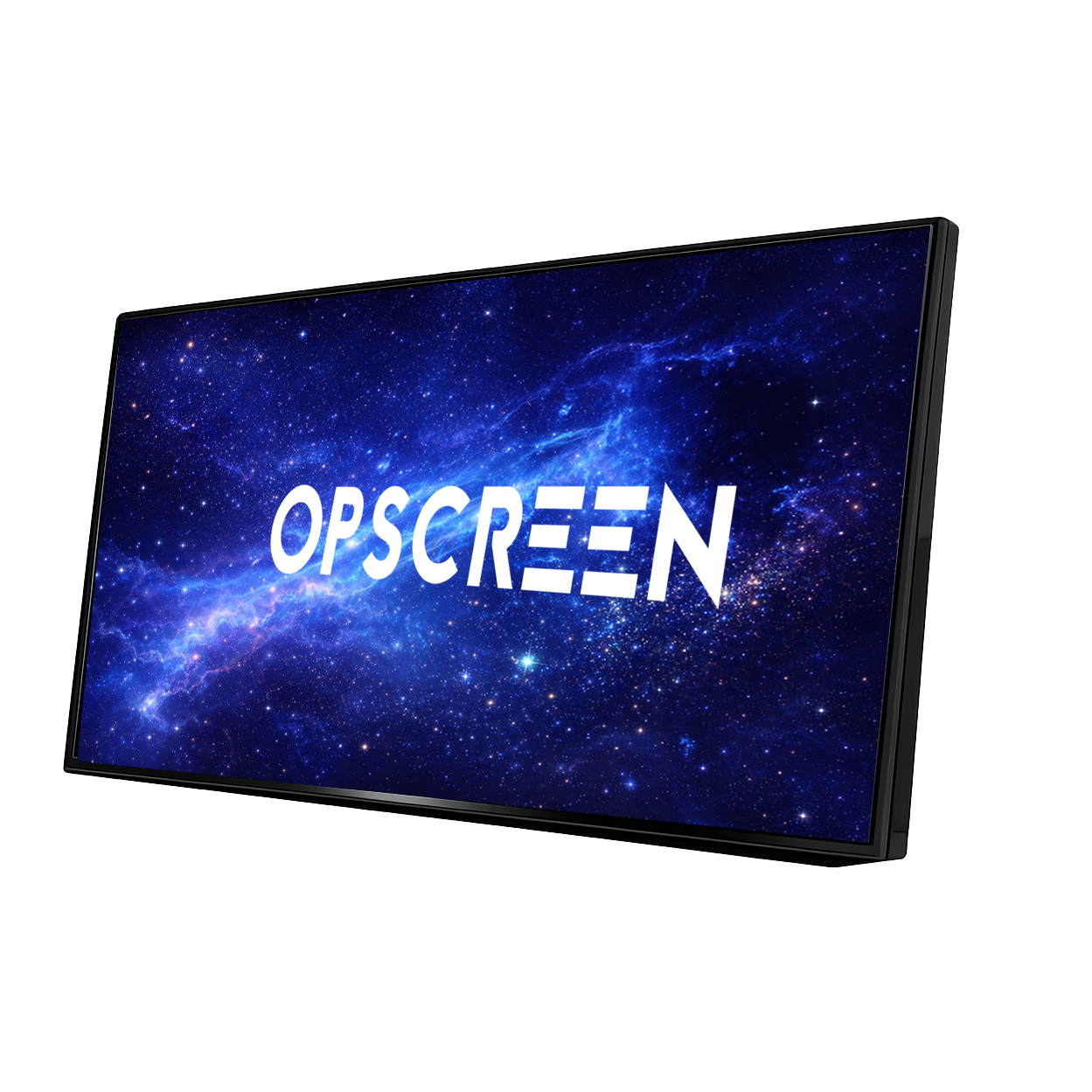
Forget cables and outdated projectors. Connect and use (Plug & Play) and discover images that come to life with simultaneous collaboration and zero lag. Touch technology designed for modern meeting rooms.

Request a Demo
Opscreen Interactive Displays

Meeting Rooms

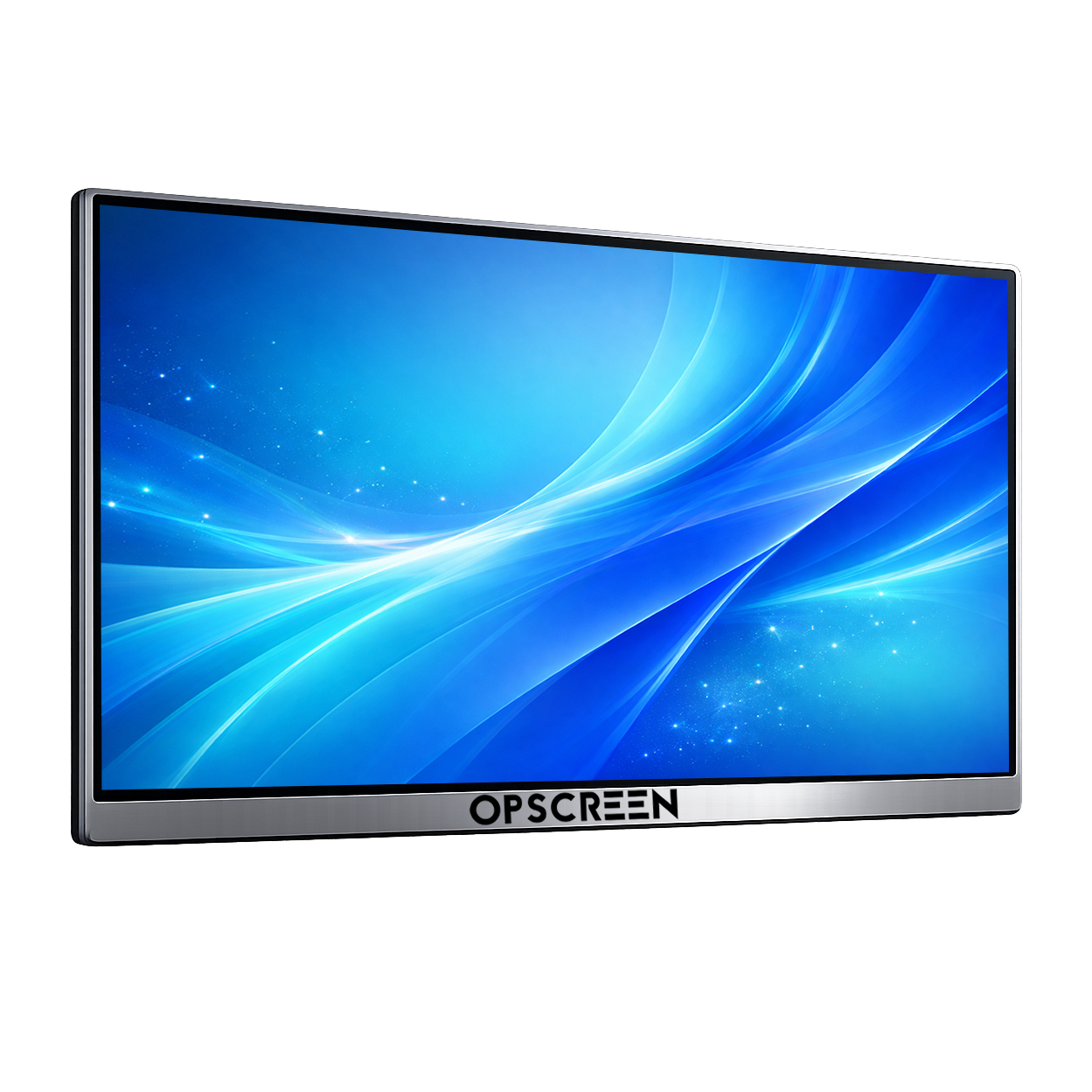
Designed for more dynamic, efficient meetings with elegance and performance.

Opscreen Interactive Displays

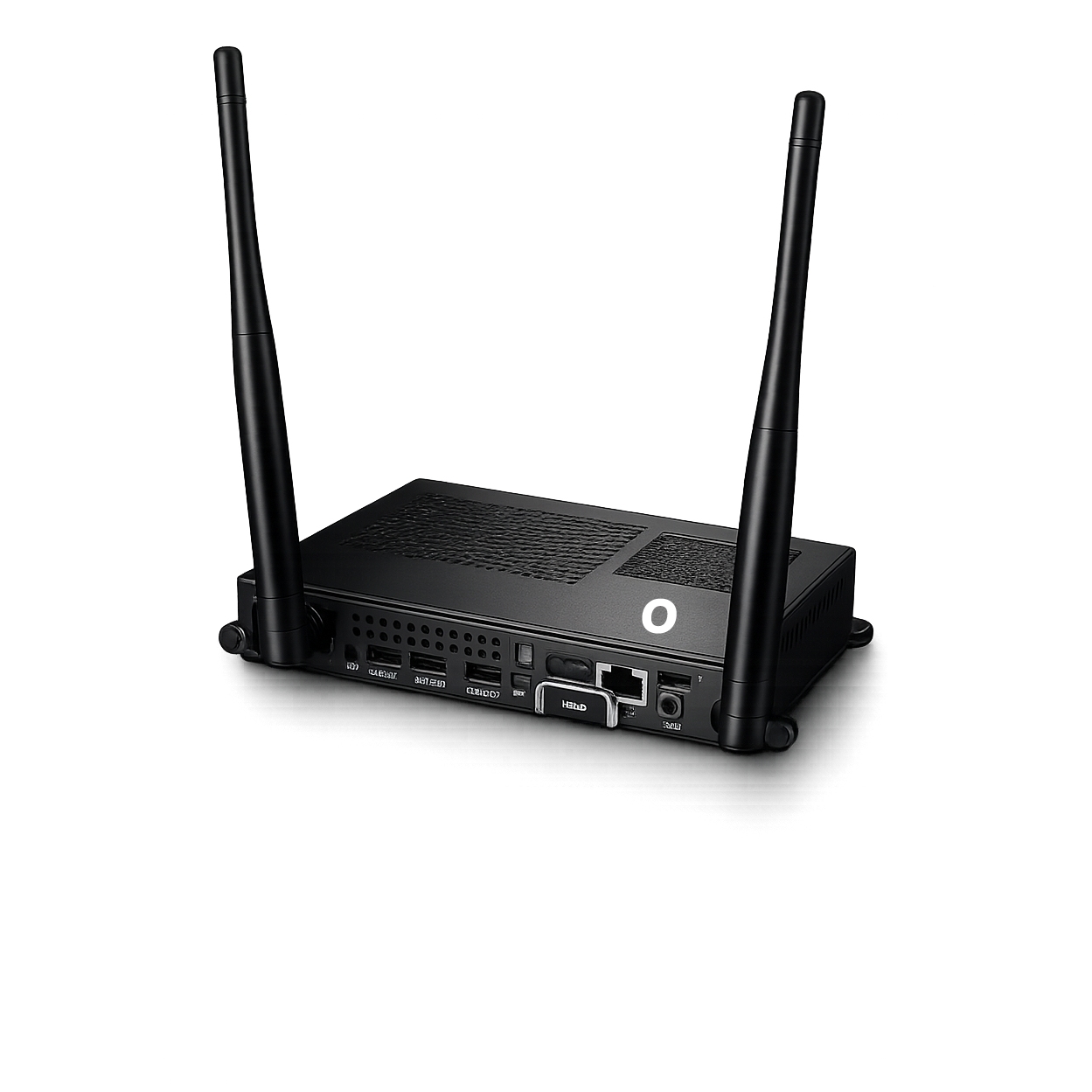
Next-Generation Hardware

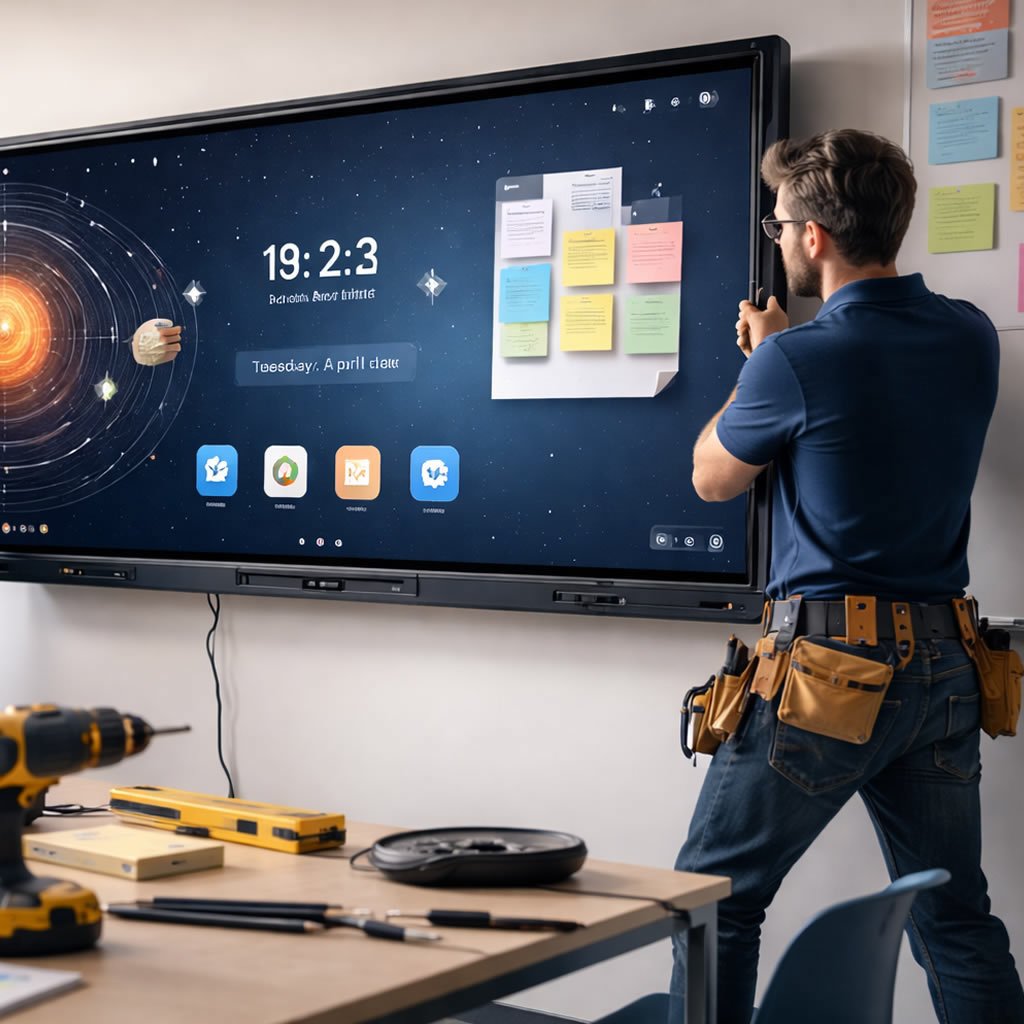
We deliver turnkey solutions for digital signage and institutional communication.

Opscreen Interactive Displays

The Future of Learning is Touch

Boost student engagement with interactive smart boards.

scroll: 0 | rotY: 0°

Supported Systems

Opscreen Interactive Displays

Windows

Opscreen Interactive Displays

MacOs

Opscreen Interactive Displays

Linux

Opscreen Interactive Displays

Android

Opscreen Interactive Displays

Chrome

Opscreen

Education on another level.

Technology built to last and inspire. More feedback with the simplicity of a single touch.

See Details

High-End

Opscreen

Display ELITE

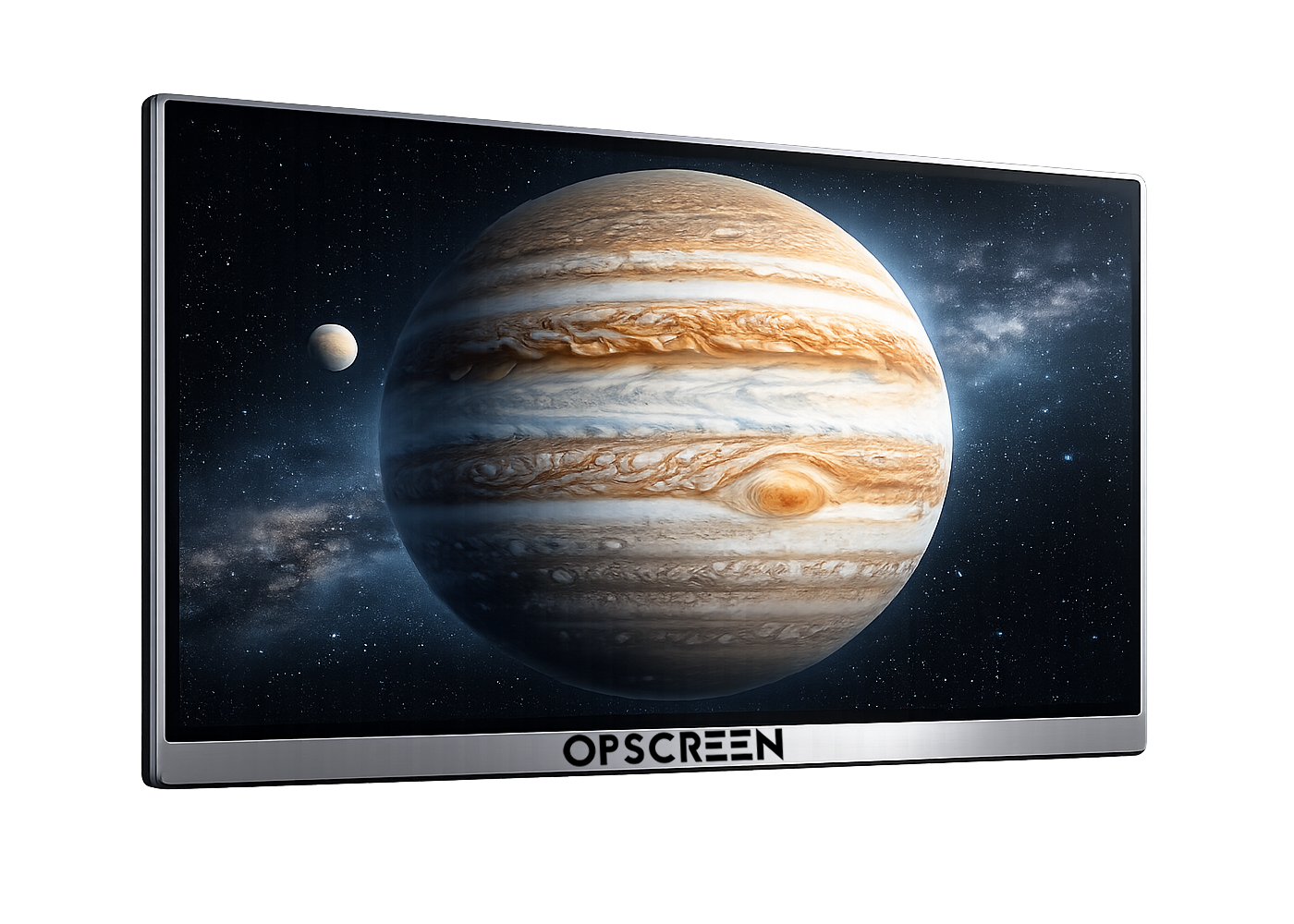
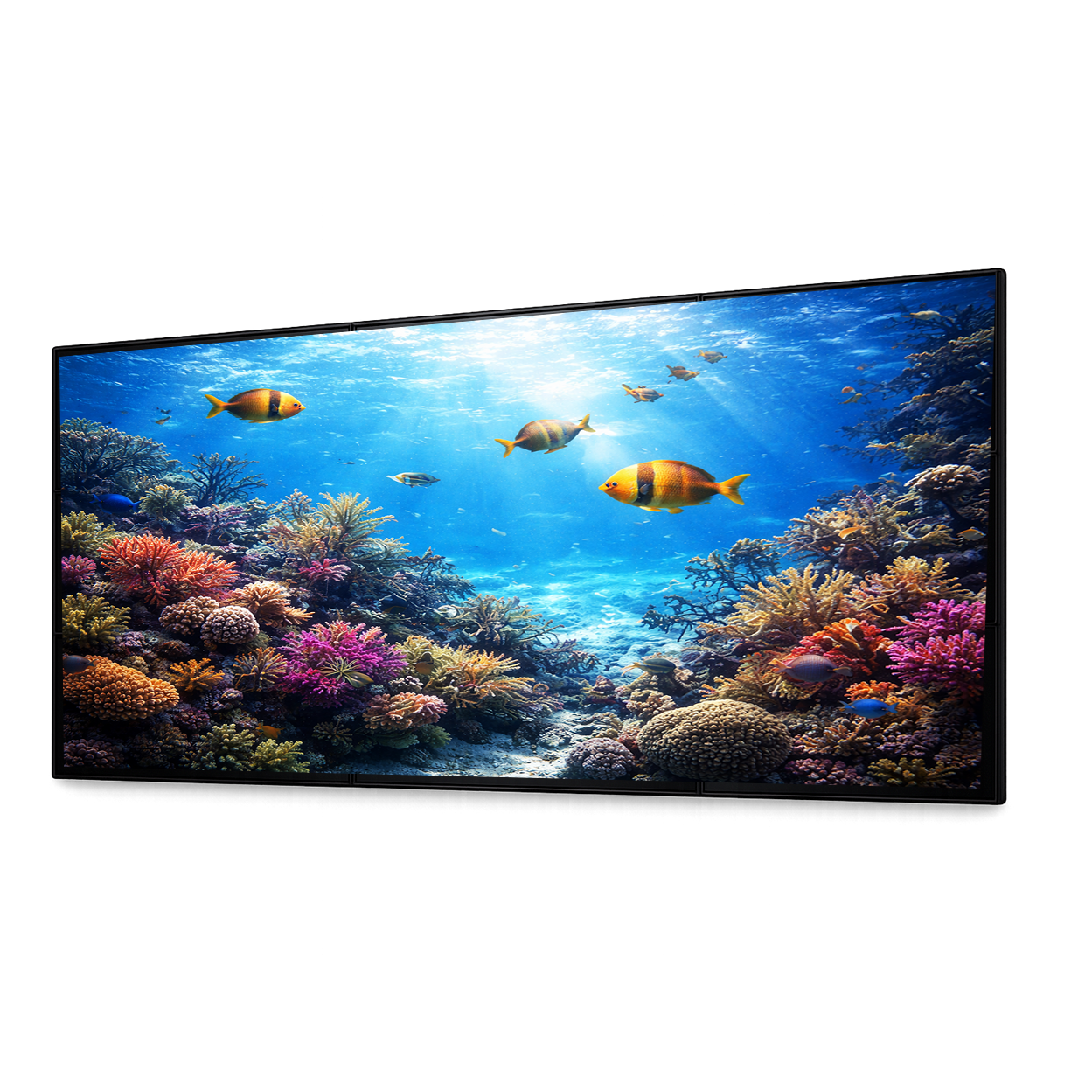
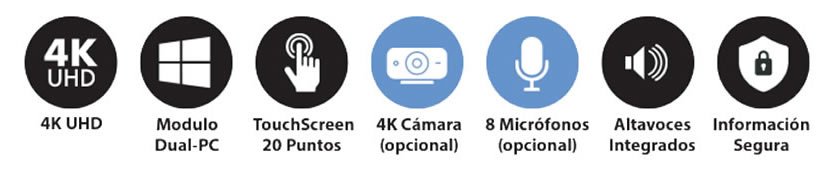
High-end technology with 4K UHD resolution.

OPSCREEN Elite
See Details

Quick Guide

How to choose your interactive display?

Step 1 Sizes by space

Size guide by room type

Choose the right size based on distance and number of attendees.

Small meeting room (4–6 people) 55" – 65"
Classroom or medium room (10–20 people) 75"
Auditorium or large training space 86" – 98"
Quick Tip
Define the space first (light/distance), then choose the ideal size.
RecommendationChoose by scenario
AvoidChoosing only by price
Step 2 Connectivity

Port checklist + why OPS (Windows)

The right connectivity avoids adapters and issues during meetings.

HDMI Universal compatibility with laptops and external devices.
USB-C Video + data + charging in a single cable.
OPS (Windows) Corporate apps, IT control, security and full compatibility.
Why OPS wins in business
It integrates corporate tools and IT policies better than Android alone.
ProLess IT friction
ProCorporate apps
Step 3 Touch Technology

Infrared vs capacitive

Two technologies, two approaches. Choose according to usage.

Infrared (reliable standard) Durable and ideal for intensive use. Excellent cost/benefit ratio.
Capacitive (premium smartphone-like feel) A more mobile-like experience with finer touch response.
Quick Rule
Heavy continuous use: infrared. Premium experience: capacitive.
EducationInfrared
ShowroomCapacitive
Step 4 Hidden Costs

Cheap without local support ends up expensive

Avoid surprises caused by lack of real local support.

Slow maintenance Without nearby technicians, your operation stops.
No spare parts Difficult repair or full replacement.
Complicated warranty Long waiting times, shipping and downtime.
Key Message
With local support you reduce risks, downtime and unexpected costs.
AvoidPurchases without backing
Look forSupport and spare parts
Step 5 Success Cases

Real OPSCREEN installations

The fastest way to build trust: real evidence with actual photos.

Classrooms and training Dynamic classes and real participation.
Meeting rooms Agile meetings and digital whiteboard.
Institutions Clear information and better service.
Page Tip
Show 3–6 real photos and one short line per installation: place + benefit.
Social ProofReal photos
TrustVerifiable cases
Opscreen

National Technical Support

Specialized support in USA, with no middlemen or international waiting times.

Contact
Opscreen Interactive Displays

Remote Diagnosis

Setup and support in minutes via video call or chat.

Opscreen Interactive Displays

Fast Response

On-site service directly at your facilities.

Opscreen Interactive Displays

Specialized Local Support

Certified technical team operating in USA.

FAQ

Frequently Asked Questions (FAQ)

Click on a question: it opens/closes with a smooth transition.

Operational Continuity

It does not end with the delivery of the equipment, this is only the beginning.

Request a Demo
Opscreen
Opscreen Interactive Displays

Coverage

Direct 3-year warranty, no middlemen.

Opscreen Interactive Displays

Professionalism

Specialized diagnosis and solutions by certified technicians.

Opscreen Interactive Displays

Corporate Backing

Real protection for your investment.

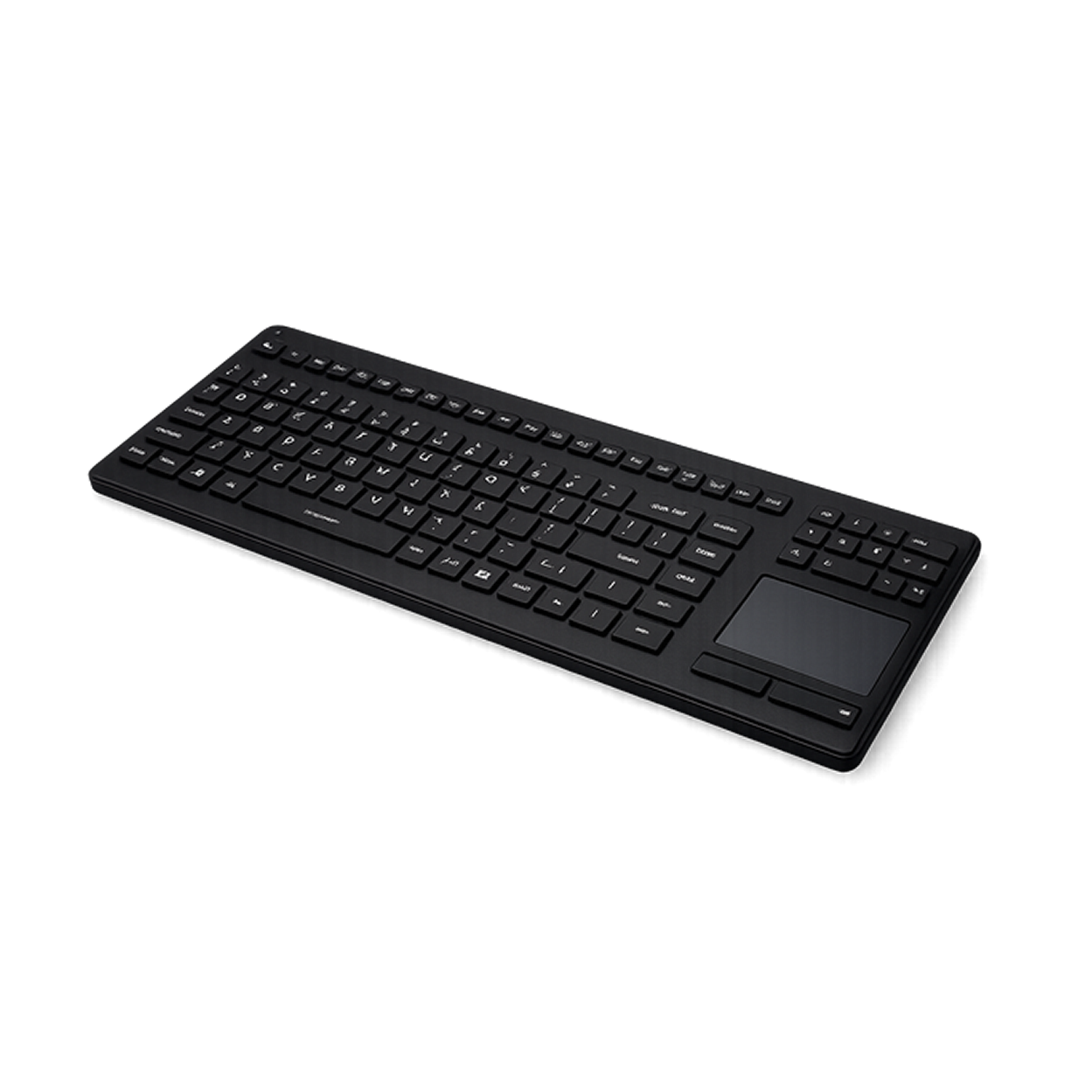
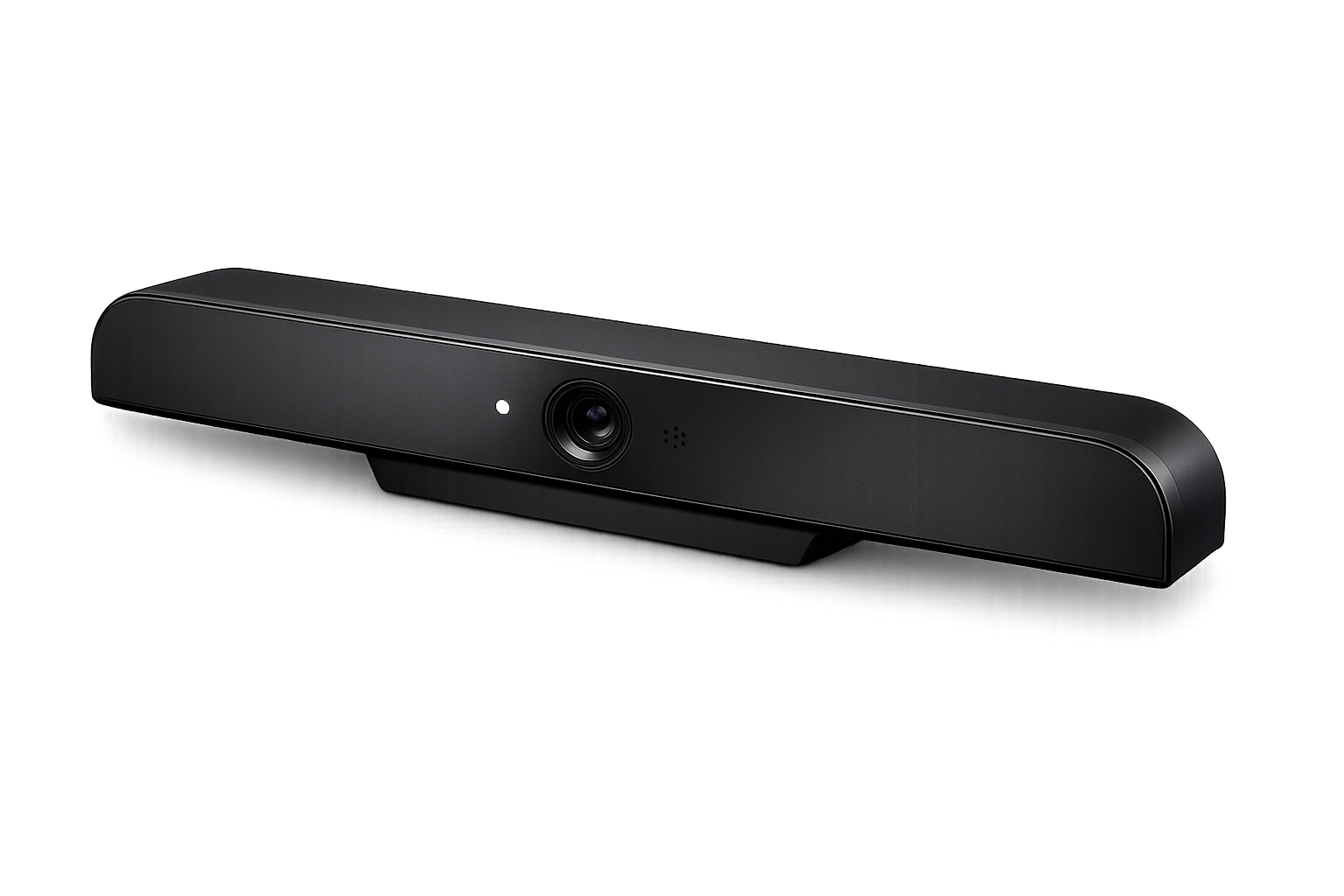
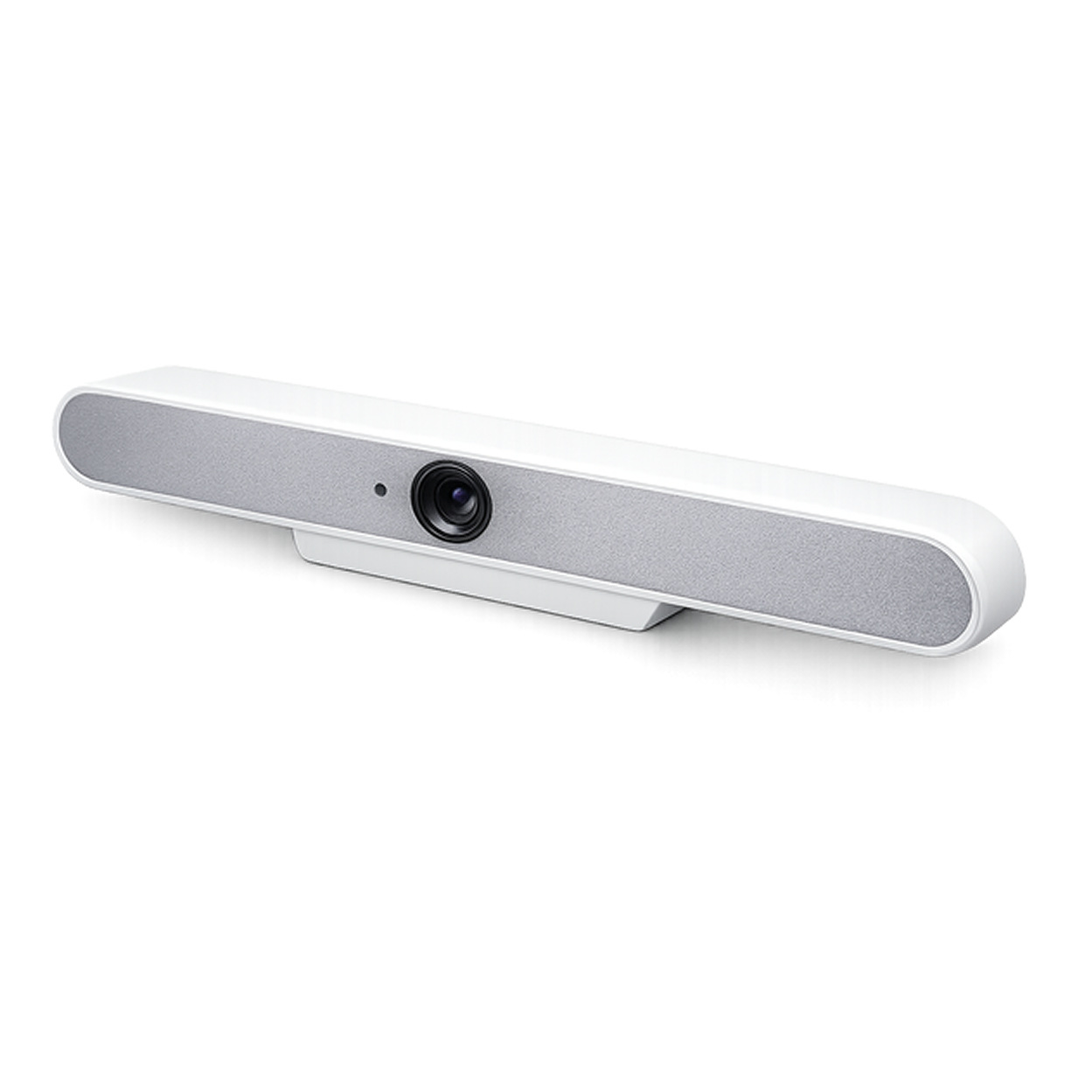
Accessories. Take a look at what’s new.

Product
Displays
OPSCREEN

Collaboration without limits.

Designed to enhance spaces through touch technology.

Digital Signage

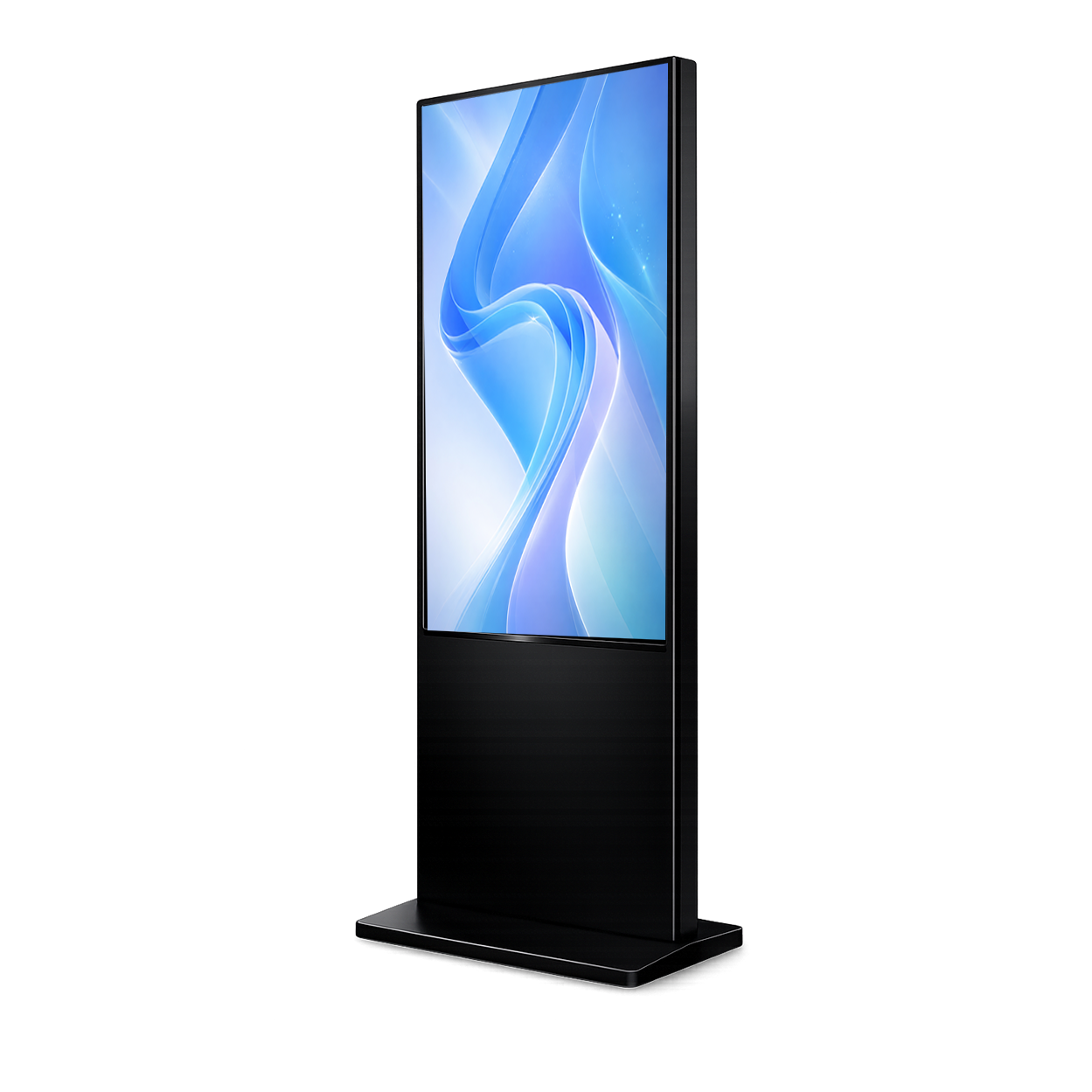
Dynamic content for receptions, hallways and service points with full control.

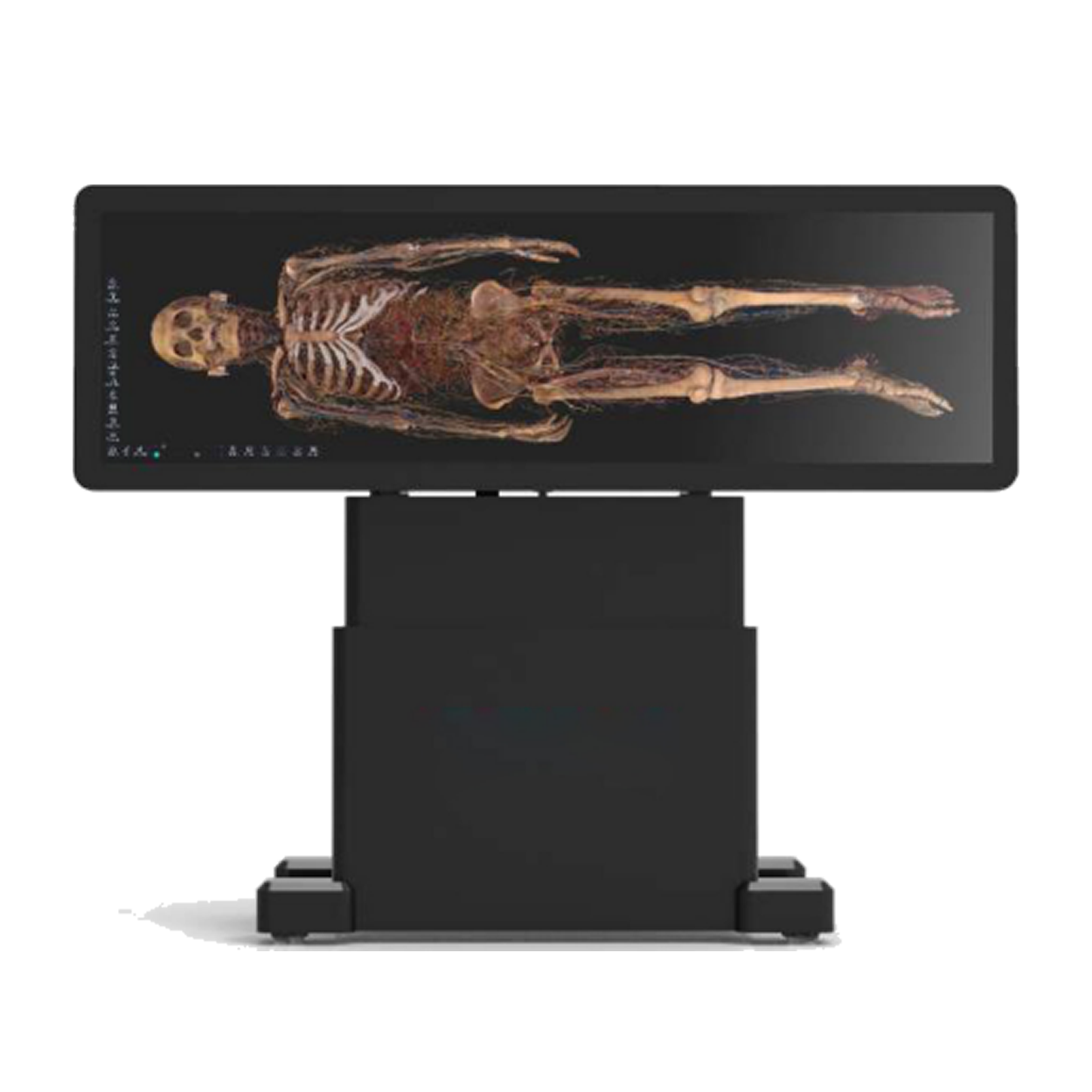
Digihuman Virtual Anatomy

Uses 3D reconstruction technology to create virtual structures of the human body.

Custom projects

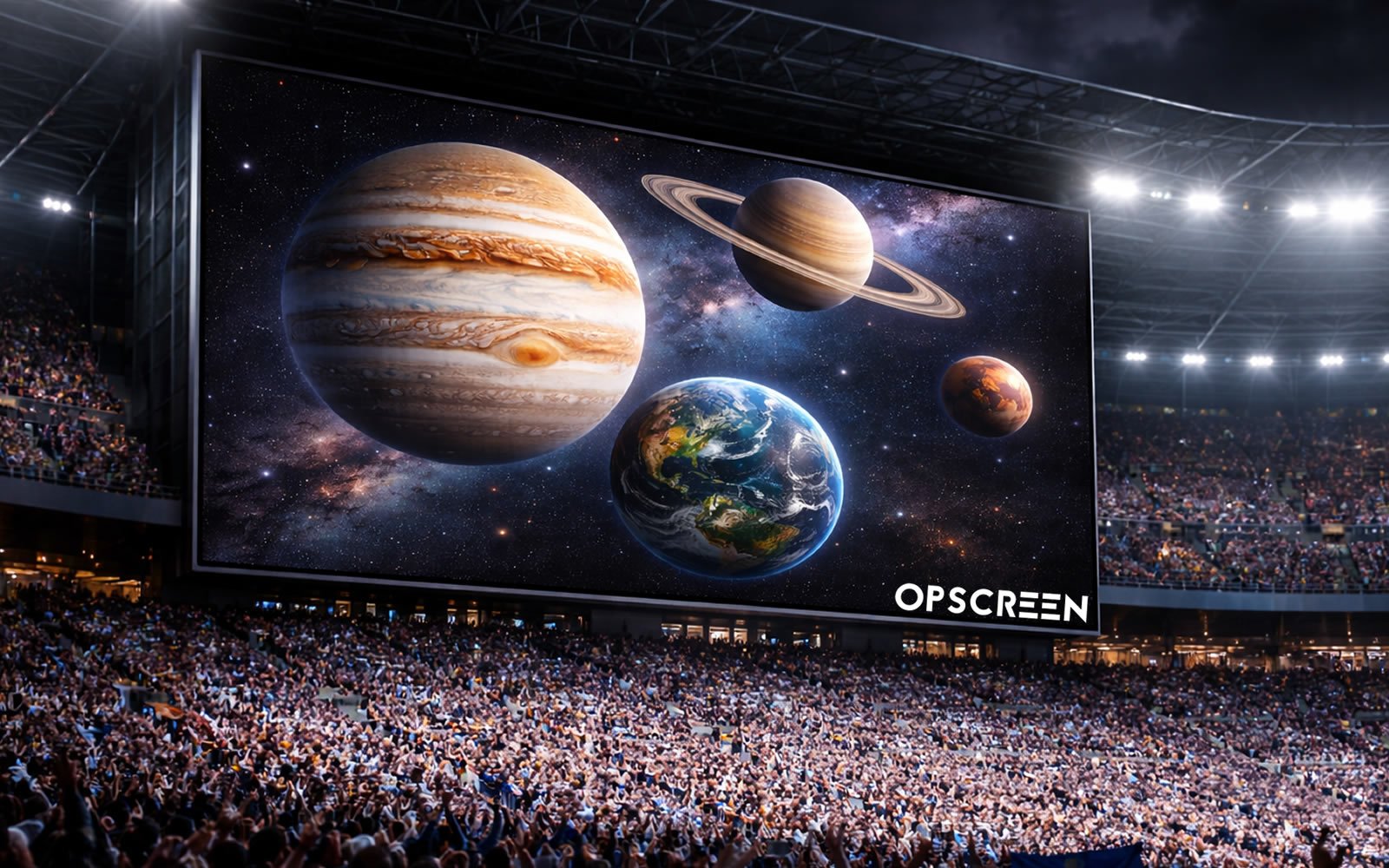
Large-scale visual impact for corporate and commercial spaces.

Interactive Displays Opscreen
Contact via email